No cloud, no account
Open ezkeep on two devices on the same network and they find each other. No sign-up, no email, no password to create first.
ezkeep moves clipboard text, files and messages between your computers and phones on the same Wi-Fi, and keeps your passwords in encrypted vaults. Nothing goes through the cloud.
Your devices talk to each other directly. There is no server in the middle, so there is nothing to sign up for and nothing to leak.
Open ezkeep on two devices on the same network and they find each other. No sign-up, no email, no password to create first.
Every connection uses HTTPS with a certificate checked by its fingerprint. Password vaults add their own AES-256 encryption on top.
The same app on Windows, macOS, Linux, Android and iOS, in English and Portuguese. Light and dark themes included.
Copied a link on your phone and need it on your laptop? Tap Send clipboard next to the device. The text lands on its clipboard, ready to paste.
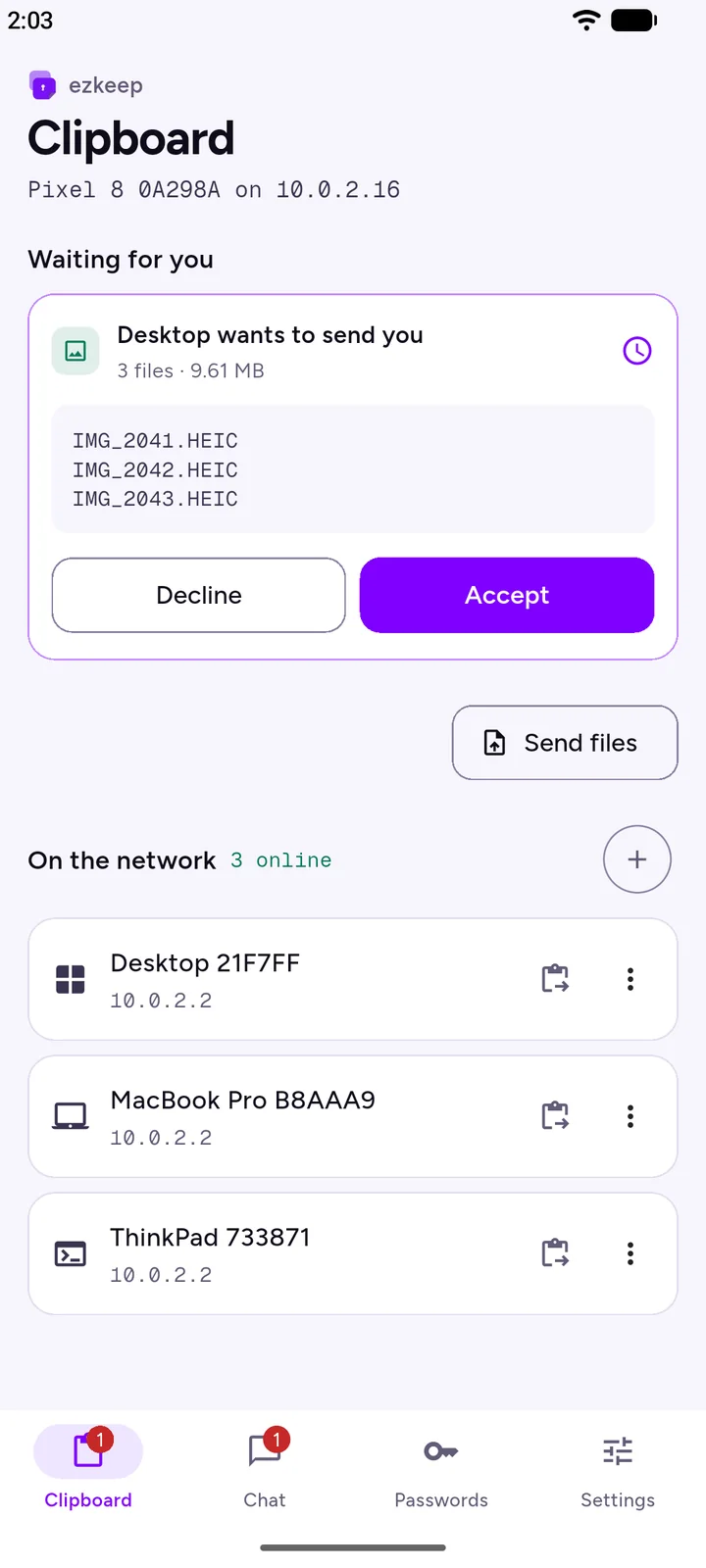
Photos, videos, whole project folders. Pick the files, tick the devices and press Send. The other device accepts, and the files go straight there.
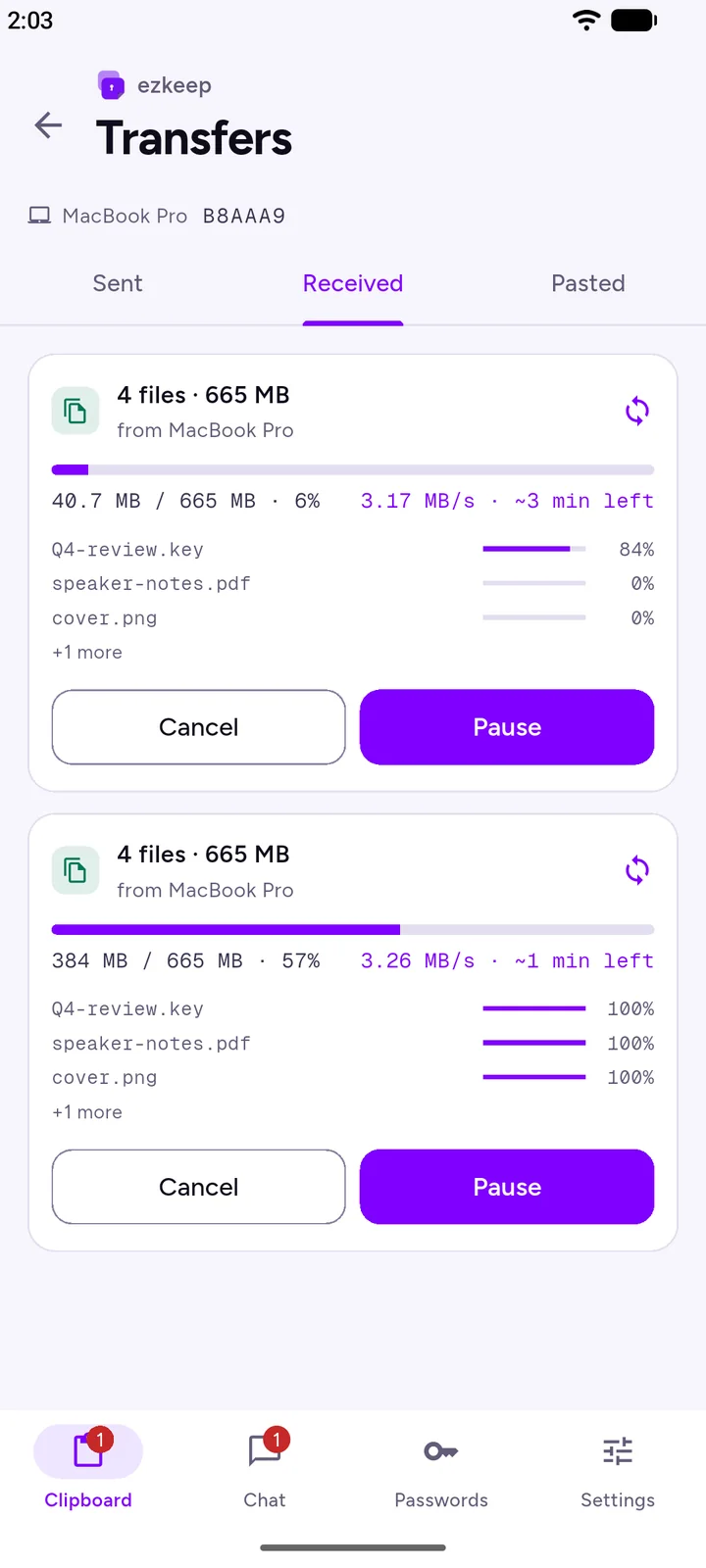
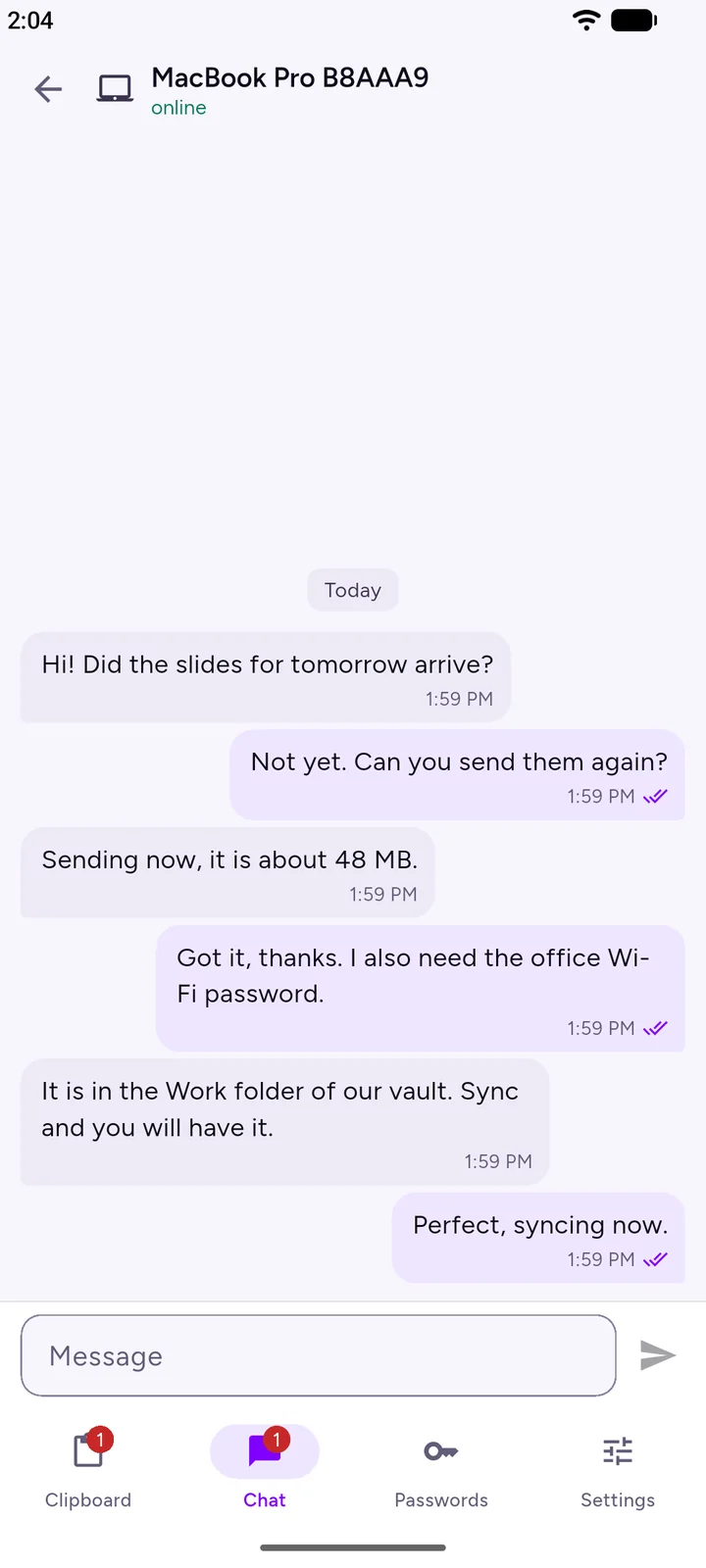
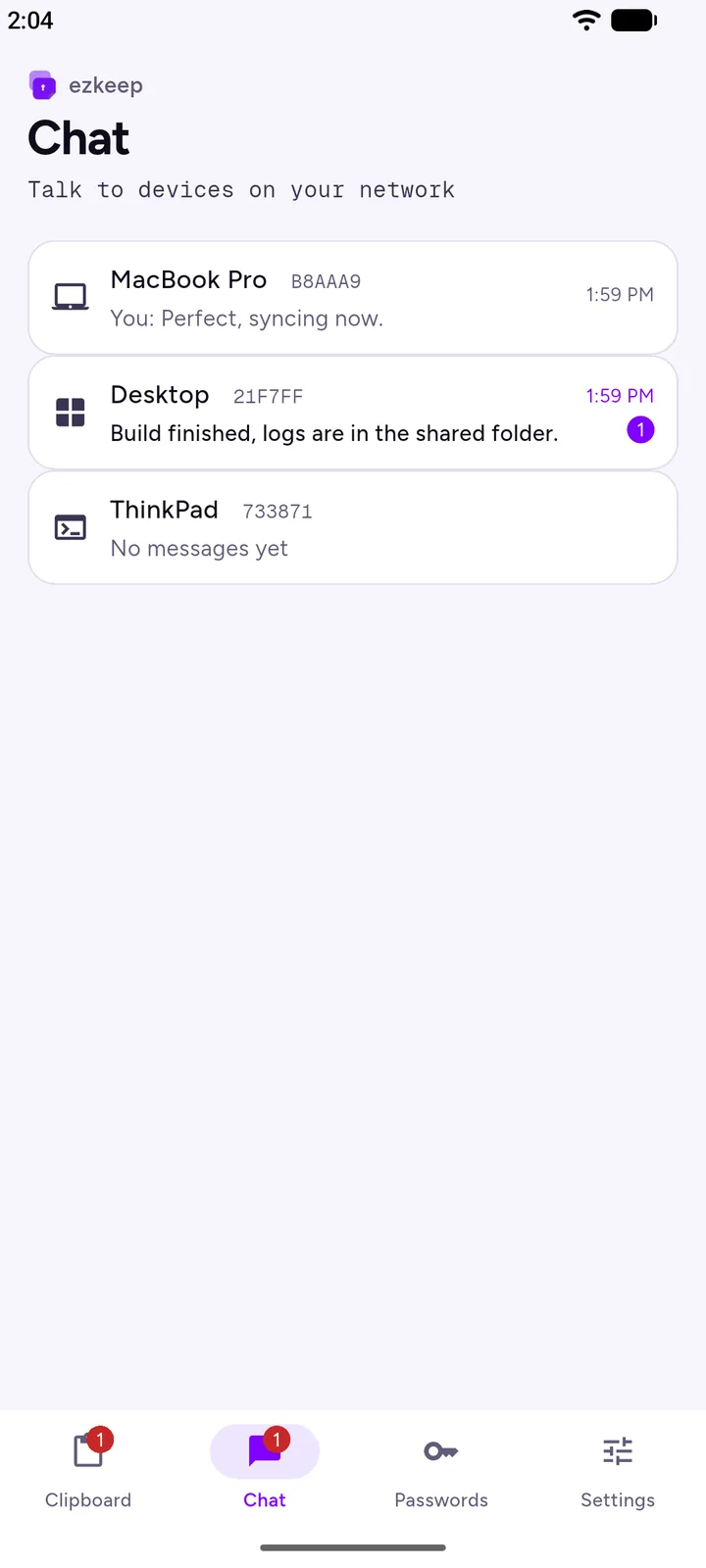
A quick note from the office PC to the laptop at home, or between two people on the same network. Like a messenger, with no server.
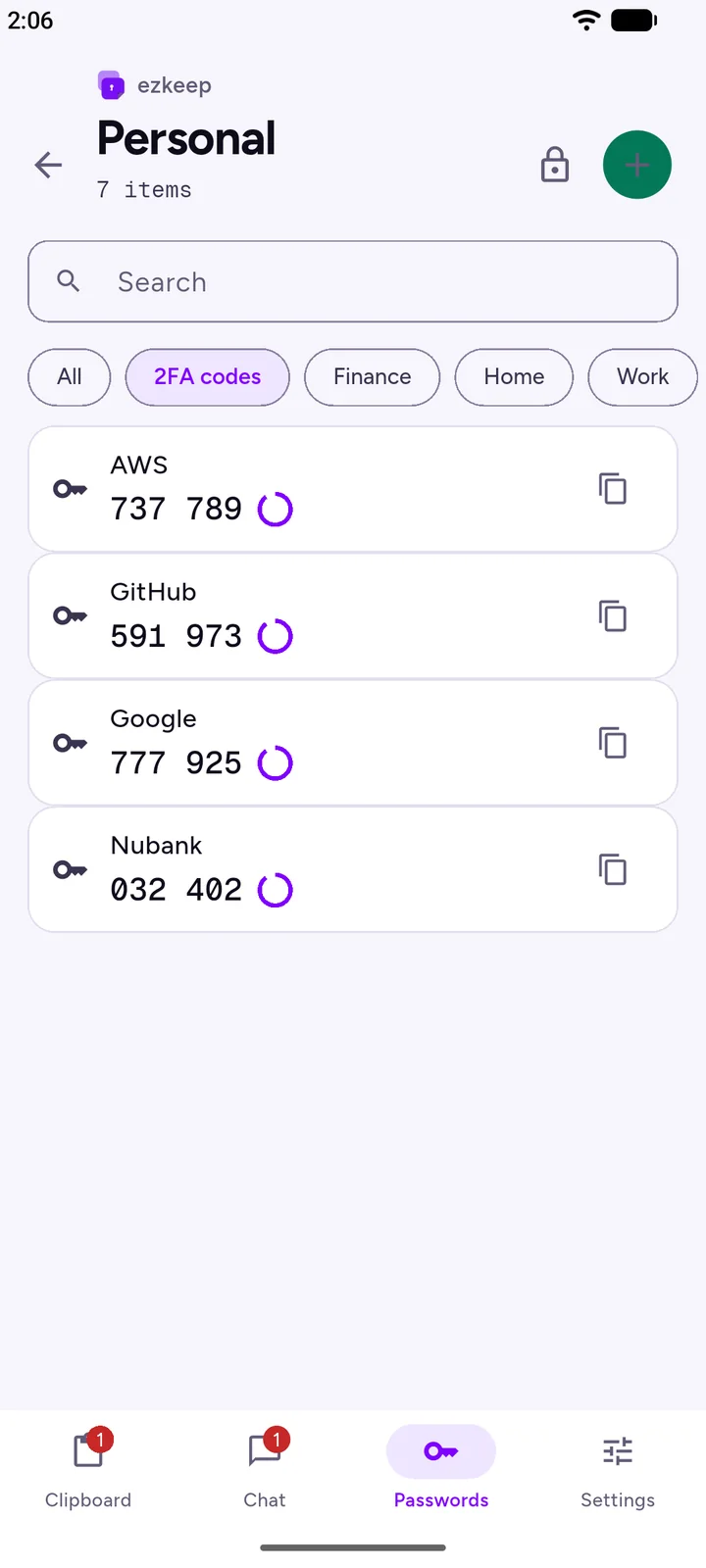
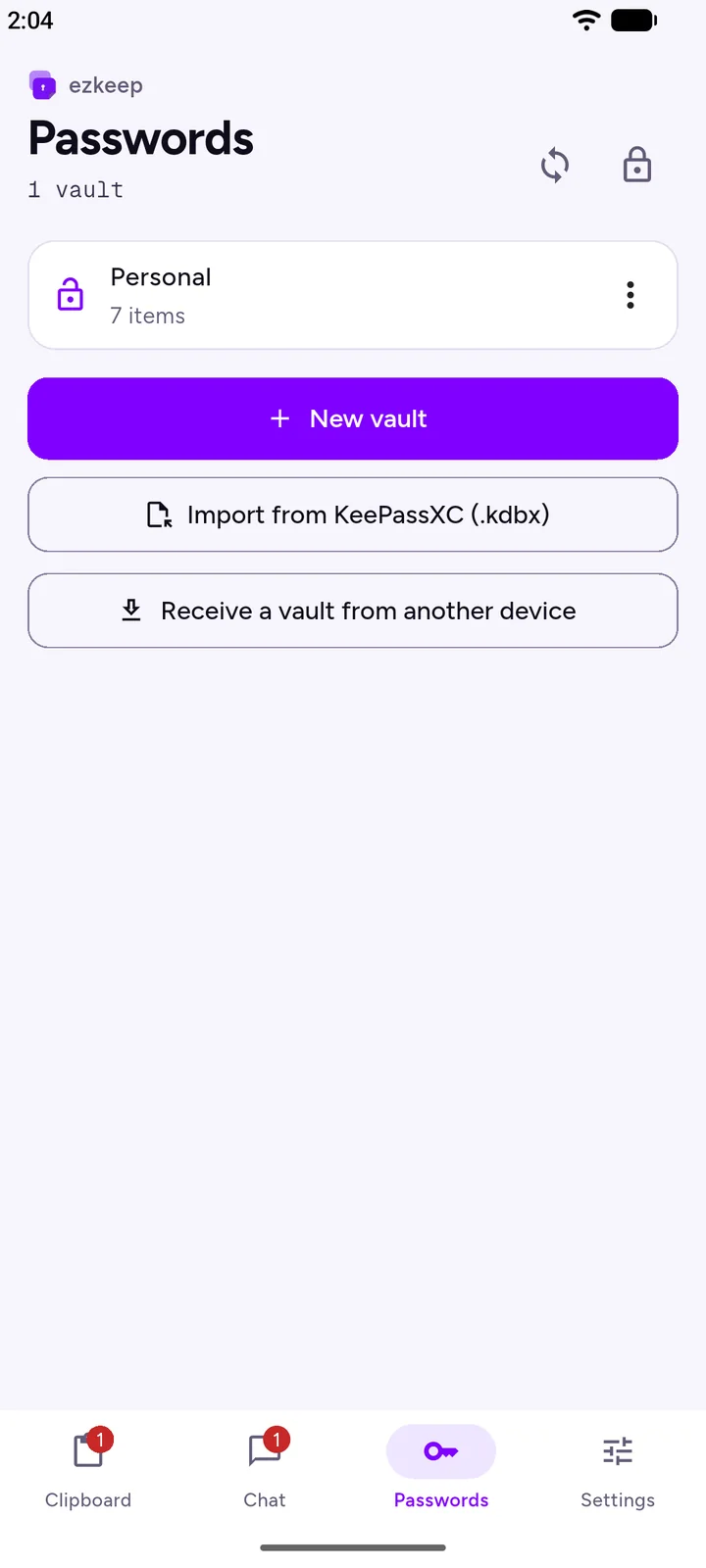
Keep logins, 2FA codes and secret notes in encrypted vaults, and copy them to your other devices over the network when you choose.
.kdbx files, so your passwords are never locked in.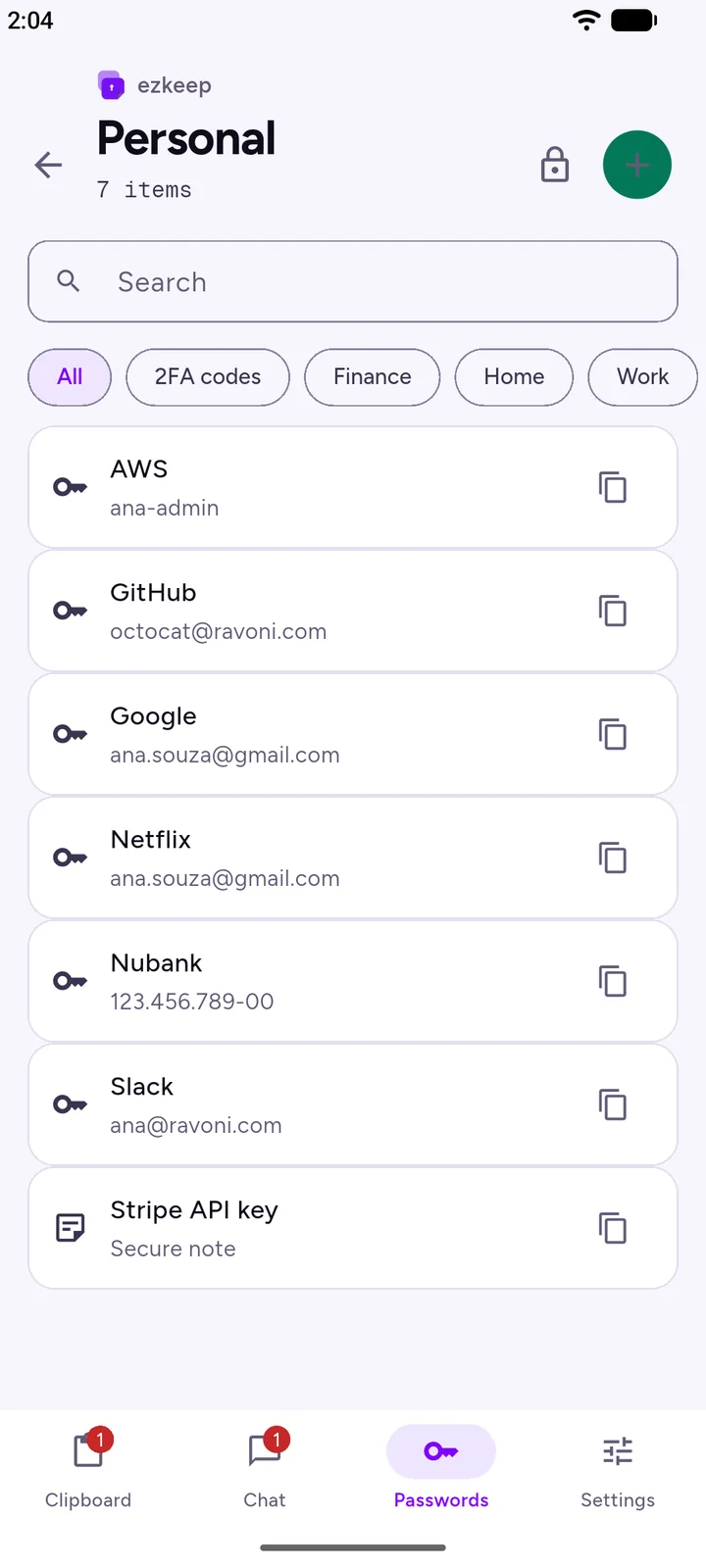
There is nothing to configure. If your devices share a network, they already know how to reach each other.
Download ezkeep for your computer and your phone. It is free on every platform.
Home or office Wi-Fi, or a cable. ezkeep announces itself every few seconds and lists the devices it finds.
Send the clipboard, a few files or a message. Data goes straight from one device to the other.
We cannot see your data because it never reaches us. There is no ezkeep server, no account database and no analytics in the app.
Each device creates its own key pair and certificate on first launch. Before sending anything, ezkeep checks that the other device's certificate matches the fingerprint it announced.
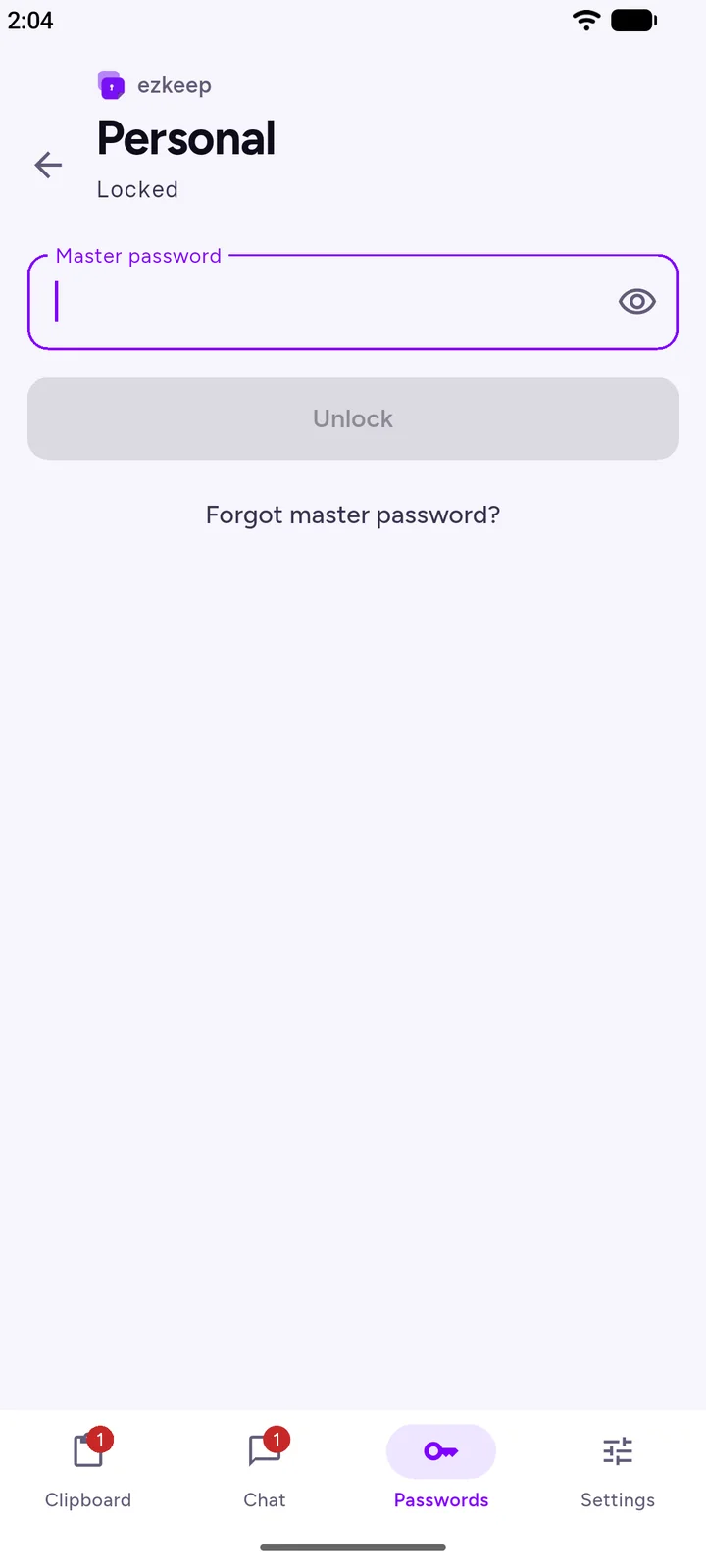
Your master password is stretched with Argon2id and never stored. Every item is encrypted on its own with a fresh random nonce, at rest and during sync.
Passwords and codes never appear in notices, logs or the clipboard history. A copied password clears itself from the clipboard after 30 seconds.
Two devices sync a vault only after proving they hold the same vault key. Records travel encrypted, so even the network connection never sees them in the clear.
Screens from the Android app. They follow this page's language and theme.
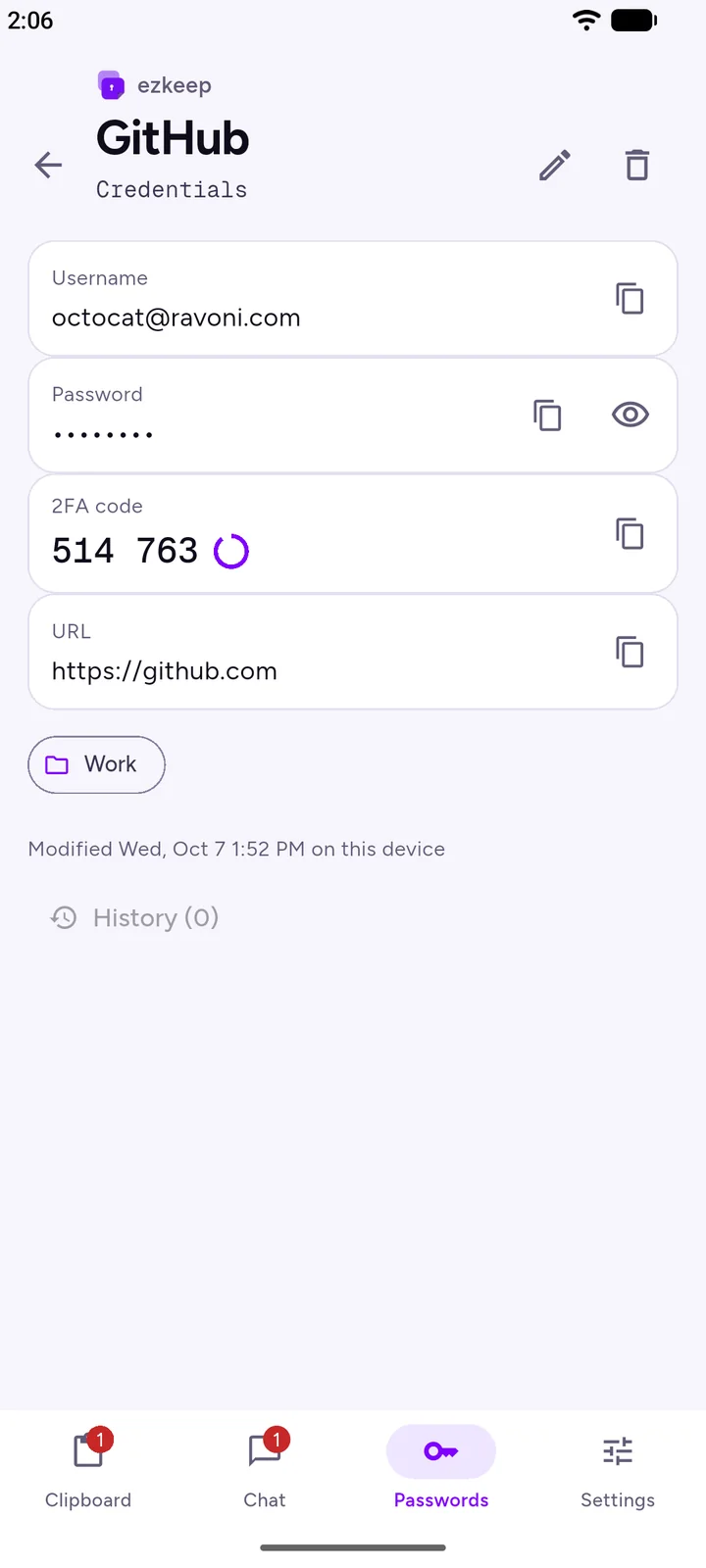
Install it on at least two devices to start sharing. Version 1.0.0
Yes. Every feature is free on every platform, with no ads, no subscription and no account.
No. ezkeep is free to use, but its source code is not public. The protocol and the encryption it uses are described on the How it works page, so you can see exactly what happens to your data.
No. ezkeep only needs your devices to be on the same local network, such as your home Wi-Fi. It works even when the router has no internet access.
Not today. ezkeep is built for devices that share a network. If your network blocks discovery (some office and guest networks do), you can still add a device by its IP address with Add IP.
When you create a vault, ezkeep shows an Emergency Kit with a recovery key. Write it down and keep it somewhere safe: it opens the vault and lets you choose a new master password. Without the password or the kit, nobody can open the vault, not even us.
Only on your devices, as encrypted vault files. They move to another device only when you choose Send to a device or Sync. You can also export a vault to a KeePassXC file as a backup.
iOS lets ezkeep receive only while the app is open on screen. Keep it open on the iPhone while you send to it. On Android and desktop, ezkeep keeps receiving while it runs, and on desktop it waits in the system tray.
Make sure both devices are on the same network and that your firewall allows ezkeep: TCP port 47575 and UDP port 47574. Guest networks often isolate devices from each other. As a fallback, use Add IP with the address shown under the Clipboard title on the other device.
Install ezkeep on your computer and your phone, and send your first text in seconds.